

Why Mozaik CNC™?

Made with Mozaik
"You can just really do what you want with it. Whether it’s a cut list, pricing, optimizing materials, it’s just all there."
HUW DAVIES, Mokko Joinery
Machine-ready G-Code
Based on your shop’s construction methods, machine, and tooling setup, the CNC will automate all aspects of tool-pathing and G-Code creation to implement a simple and efficient manufacturing process, allowing you to:
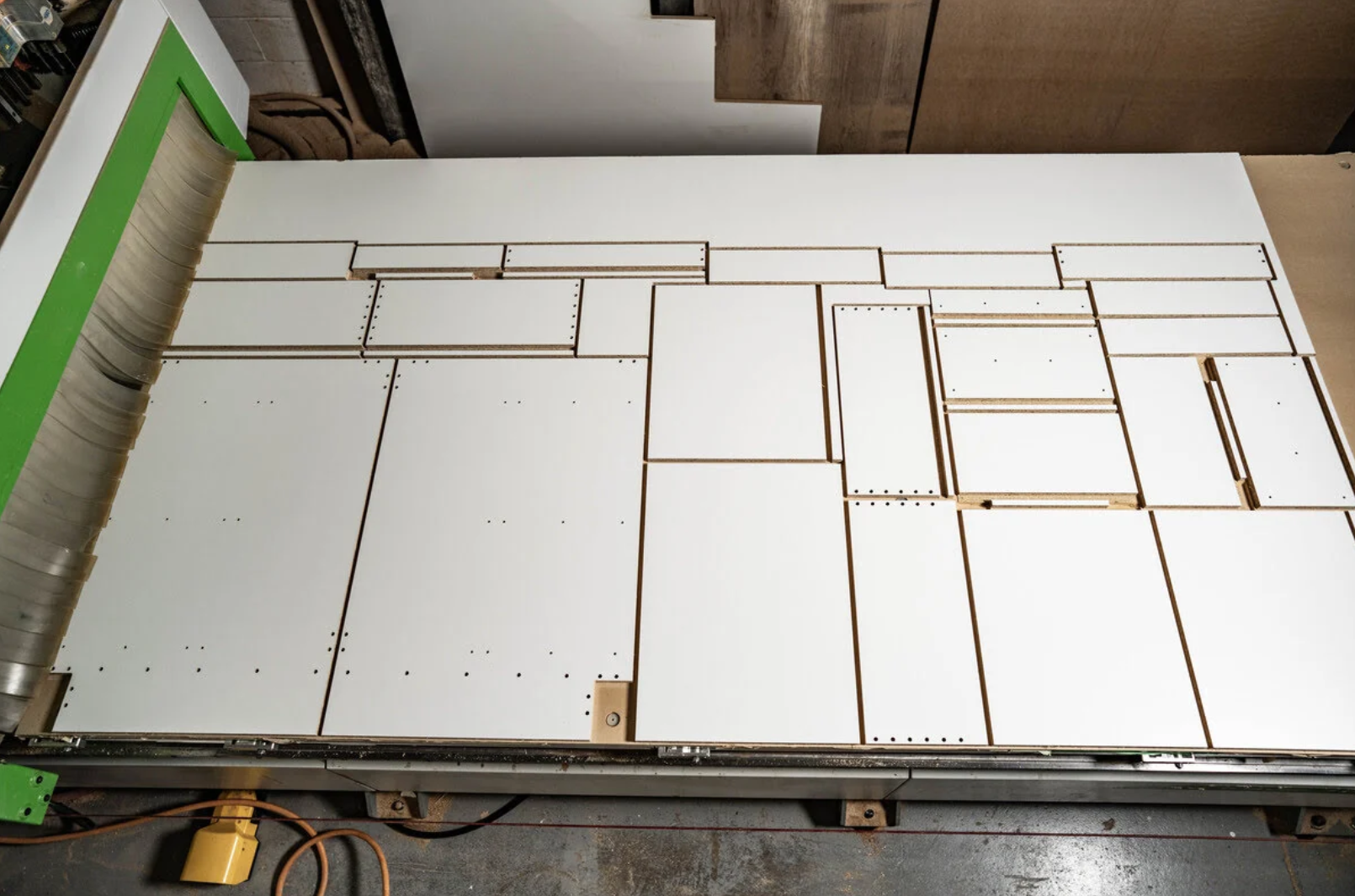
- Generate the best possible nesting solution for your parts
- Generate batch G-Code for all sheets, or G-Code per single sheet
- Setup multiple CNC machines and choose which machine to export to
- Handle onion skinning, return skinning, tabs, roughing cuts and other small parts with a variety of handling features
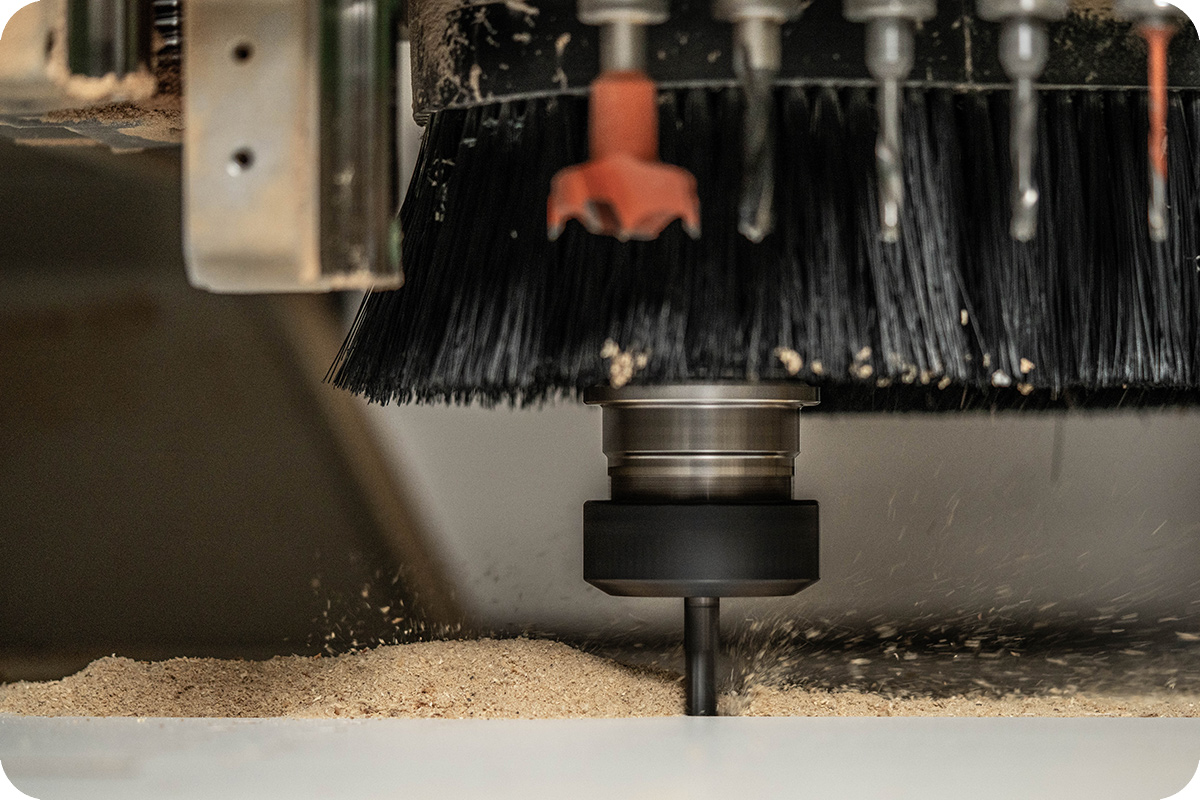
- Control toolpath behaviors such as ramping, stepovers, tool applications and more
- Mozaik Optimizer uses advanced algorithms for optimal nesting while letting you adjust part positions and stay in control of the process.
Get the most out of your CNC
Just like Mozaik Manufacturing, our CNC router software is built by industry experts who understand that the demands of your business are specific to your shop. While our software includes presets and preloaded tools, it has the flexibility to be modified to meet the needs of your shop. We don’t try to change the way you build; we embrace it.
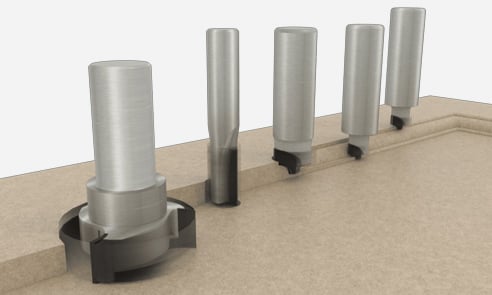
- For Routed MDF Doors, Mozaik offers preloaded tools from brands like Vortex, Royce Ayr, Great Lakess Custom Tool, but you can also use our intuitive tool group interface to create your panel or edge profiles, and then section the doors on the fly while Mozaik takes care of the toolpaths.
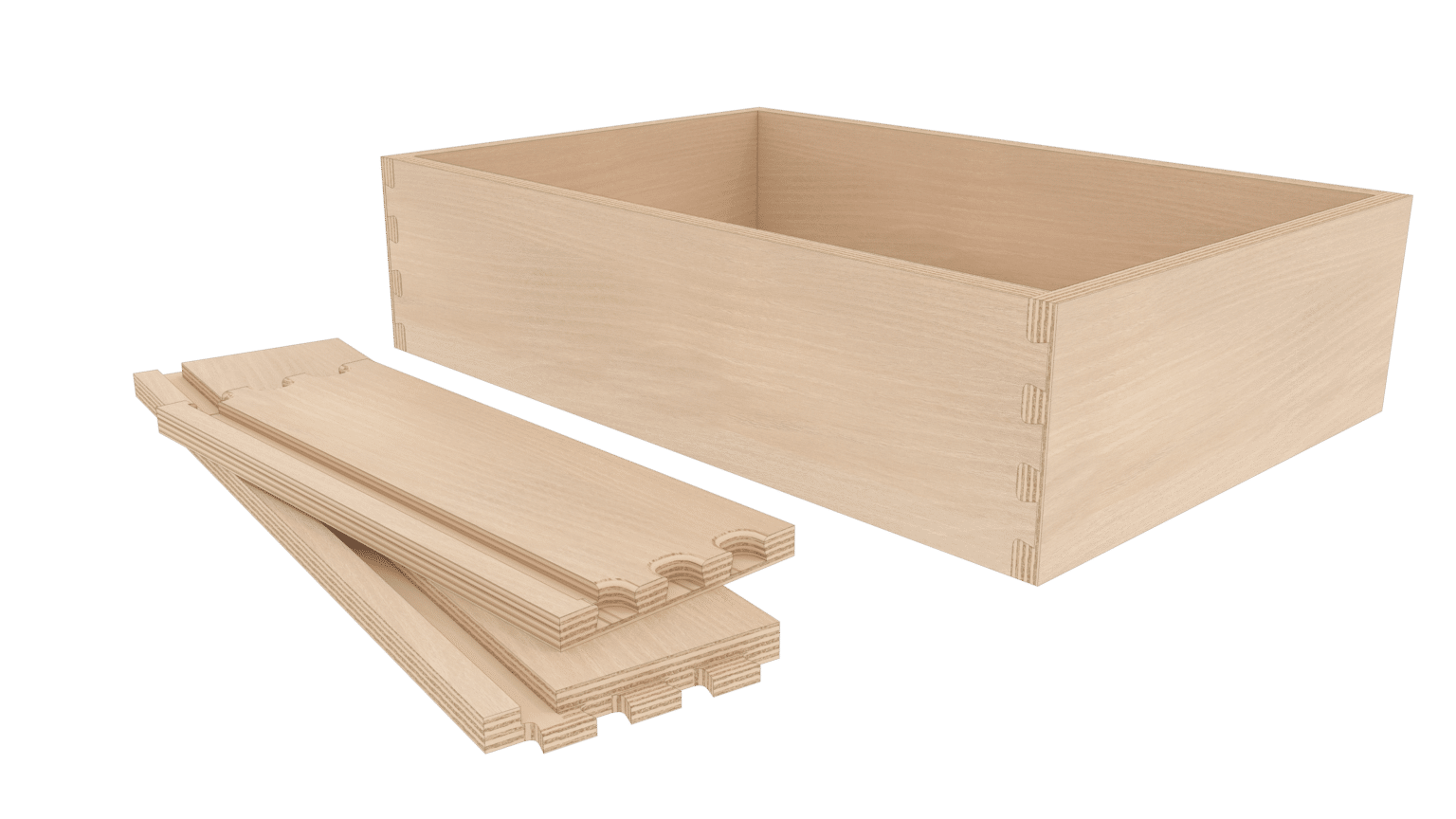
- For CNC Dovetail drawer boxes and trays, Mozaik comes preset with CNC dovetail tooling from industry leading manufacturer, but also offers you the ability to set up your own flat-bed CNC dovetail tooling and drawer box parameters.
- For Flipside Machining, you can easily create programs to machine the backside of parts individually or you can quickly generate G-Code to flip the entire sheet.
Post processors
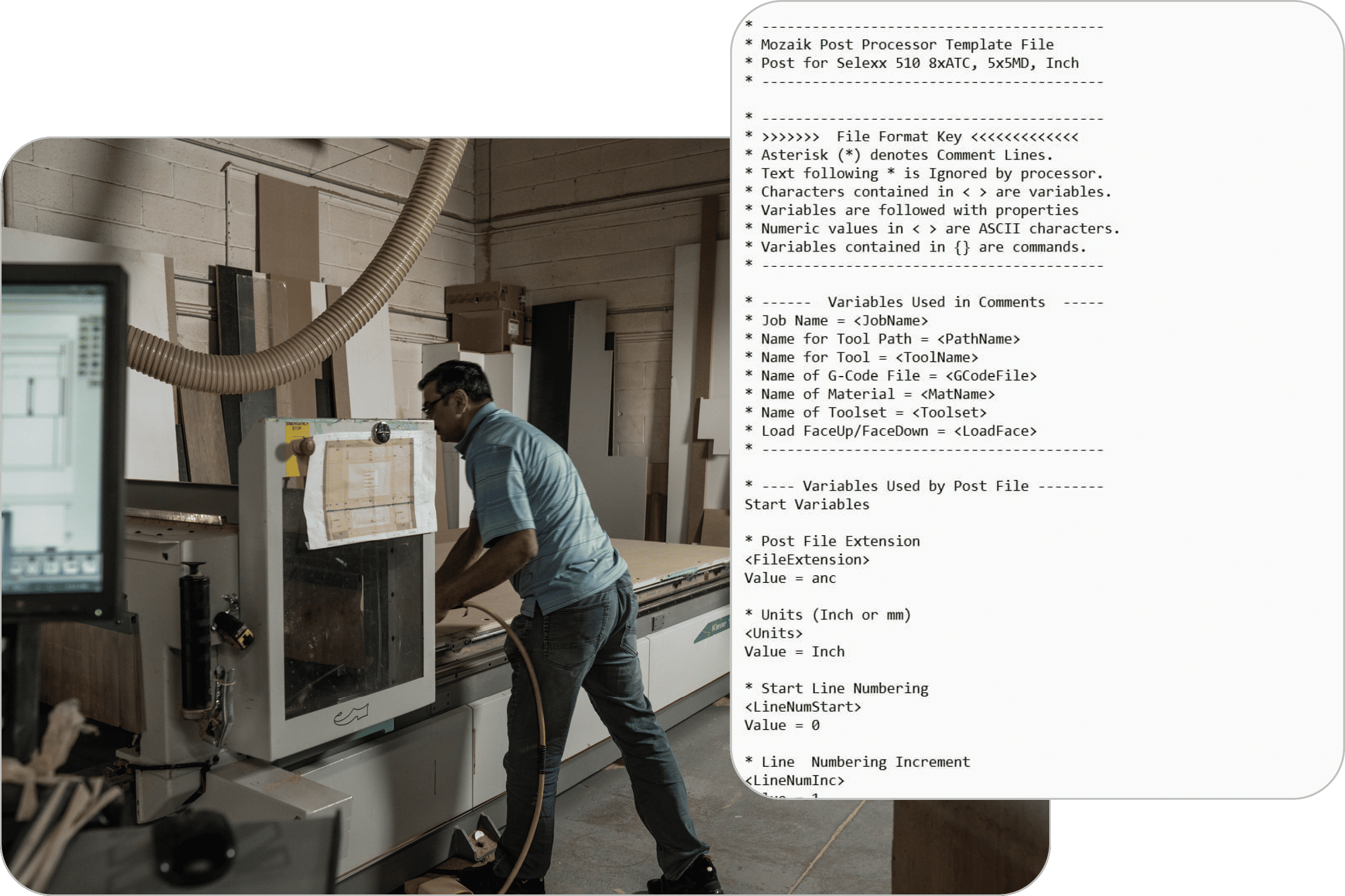
Part of our mission is to make software and CNC Routers as commonplace in the modern cabinet shop as table saws. That’s why Mozaik offers all stock post processors at no charge to our customers. Our post files are open-source text files. You, or your machinery supplier, can modify the post as necessary.
Post integration is handled online with one of our CNC Technicians. We provide the first hour at no charge. Additional post integration is billed at $95/hour. This is a service we proudly provide to our customers and our machinery partners.
To see if your machine is listed, visit out Post Processor page. If you don’t see your machine listed, reach out to us through email: cncpost@mozaiksoftware.com to inquire about creating a post.
Empowering you to control your CNC production
Unlock Even More with additional features
View Sheets in 3D – The operations are displayed on the nested sheets to make it easy to verify your work – before you cut.
Generate Spoil Board Resurface Programs – For those who have run a CNC machine in production, you know a standard fly cut program doesn’t always do the trick. Sometimes you need to take a little more off or change the tool. With Mozaik, you enter the depth, select the tool and press OK. Resurfacing G-code is produced instantly.
Square-Up Remnants – Square-up the off fall from nested jobs or click on the sheet and do it manually. Either way, the remnants will be added to the Remnant Library for use with later jobs. The geometry to cut the part is added to the sheet and the label is printed with the nest.
Recut Parts – Moving or damaged parts are a daily occurrence. Regardless of how careful we are, parts will need to be recut. With Mozaik, simply drag those parts to the remake bin and add them to another sheet and re-generate your G-code.
We include many of the most popular cabinet joint fasteners. Choose traditional joint fasteners such as assembly screws, confirmats, wood dowels and more.
Precisely position your fastener locations on each joint and have Mozaik automatically add all required operations.
We also include many of the most popular specialty connectors from the industry’s leading brands such as Lamello, Fastenlink, OVVO, LockDowel. Intelligent Fixings, Häfele and more.
Automatically generate the parts and operations for CNC Dovetail drawer boxes and trays. Select from preset drawer boxes or add your own custom CNC dovetail boxes. Mozaik comes preset with the Vortex 9101 and 9282, as well as Royce Ayr PCD dovetail tools. You can also set up your own flat-bed CNC dovetail tooling and drawer box parameters.
Parts with flip-side operations are a breeze with Mozaik. You can easily create programs to machine the backside of parts individually or you can quickly generate G-code to flip the entire sheet.
Mozaik will even add a squaring cut to make sure the parts are referenced properly against the pins when the sheet is flipped. Don’t have reference pins on your router? No problem. Mozaik has a built-in alignment system that can be used on ANY flat table CNC Router that we post to.
Craft every part precisely to your vision
Seamlessly—through accurate production control
Start your 3-month paid trial today
Powering your needs from design to production
Mozaik CNC™
$225 /month, billed annually
Start your 3-month paid trial today—no setup fees.
What you will receive:
- Includes all Manufacturing functionality.
- This solution also offers true-shape nesting, CNC MDF Doors, CNC Dovetail Drawers, and more.
- Free stock post processors for over 175 different CNC machine brands.
- From design and cut lists to nesting and machine-ready G-Code, Mozaik CNC has everything a business needs to run its CNC Router.


Questions? We have answers.
Features like onion skinning, tabs, and stay down toolpathing help safely process small components, reducing the risk of parts shifting or being damaged during cutting.
You can control ramping, stepovers, assign custom tools, and adjust other toolpath parameters to suit your shop’s processes and tooling.
Mozaik CNC™ is ideal for cabinet and furniture shops that use CNC routers and want to automate their design-to-manufacture workflow.
It generates machine-ready G-code directly from your designs, allowing for seamless transfer of projects from the office to the CNC router.
Advanced nesting maximizes material yield by efficiently arranging parts on sheets, reducing waste and saving money.
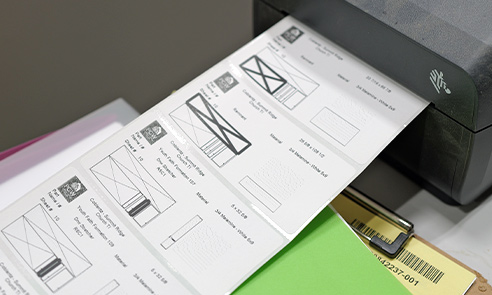
- CNC Auto-Labeling: Automatically prints labels during CNC processing to save time and reduce manual errors.
- Nested Labels: Manually print labels for parts within nested sheets.
- CNC Operator: Offers the Mozaik Optimizer on the shop floor for remaking parts that might have moved or been damaged. Allows your CNC operator to make changes without interrupting the office.
Mozaik CNC™ provides real-time simulation and editing of toolpaths and G-code, allowing you to verify and adjust jobs before sending them to the shop floor.
The software includes a library of free stock post-processors and supports custom configurations for unique machine requirements.
Yes, Mozaik CNC™ allows you to create G-code for entire jobs or for individual sheets, offering flexibility depending on production needs.
Absolutely. You can export jobs to multiple CNC machines and use different post-processors as required by your equipment.
It supports nesting CNC routers. Single-part processing machines, pod and rail CNCs, vertical CNCs , and more are part of Mozaik Enterprise™.