
Why Mozaik Manufacturing™?


Made with Mozaik
"This software is hands down the best value on the market. We are very happy with Mozaik, and it only continues to get better and better."
MATT JORGENSEN, Google Review
Create custom furniture and joinery
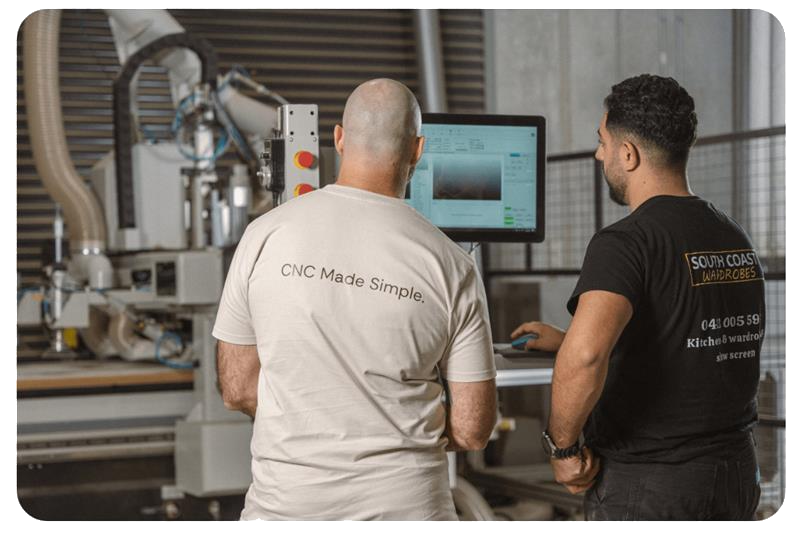
We understand every company has their own unique construction methods that they prefer to use. That’s why Mozaik won’t try to change the way you build. Instead, we embrace your methods.
With our easy-to-use construction parameters, you can set up your company’s exact construction methods and switch them up as needed. Plus, you can take advantage of our exclusive combination joinery options to create your ideal construction method. Whether you prefer dowels or dados, Frameless or Face Frame, we will help build your furniture manufacturing your way.
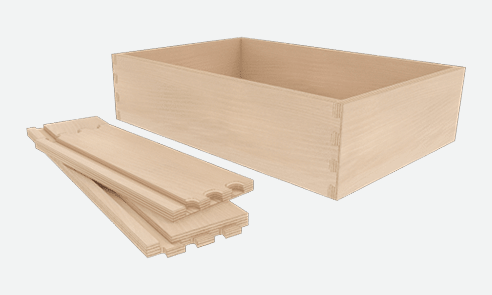
Switching between methods is a breeze. You can even combine dados, qualified tenons, knock-down fasteners, screws, confirmats, and dowels to create the perfect joinery for your shop.
Plan, visualize and optimize
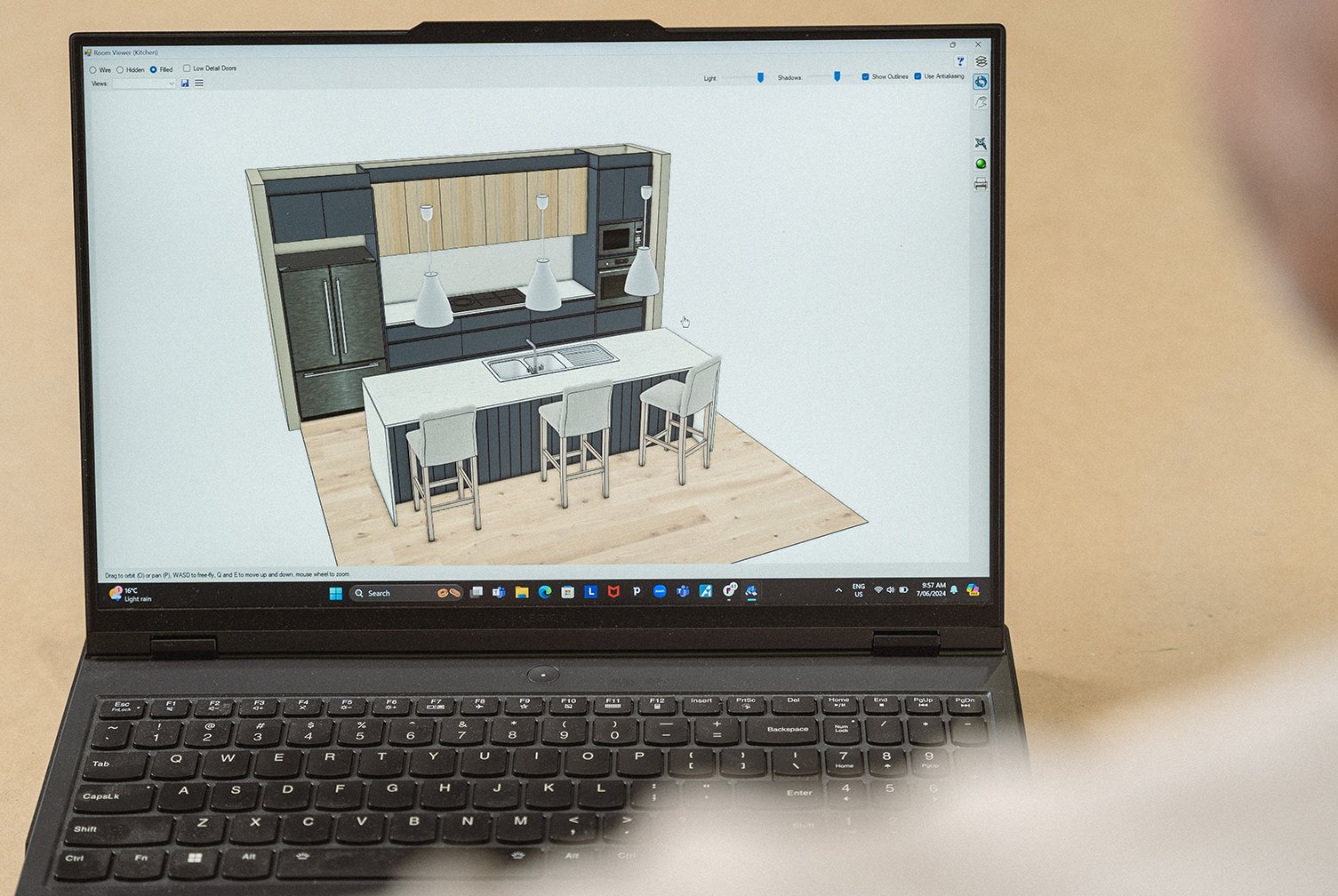
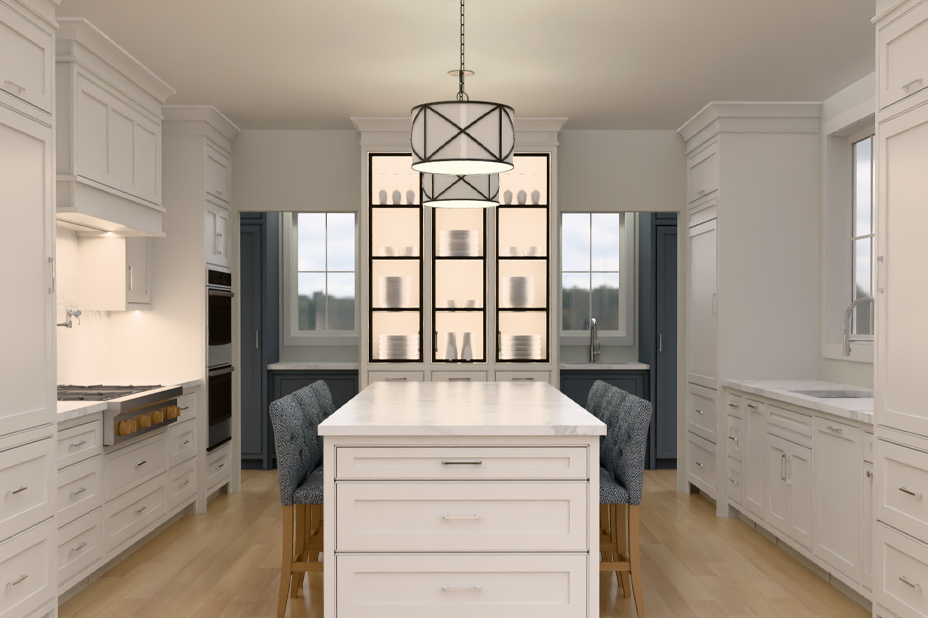
Mozaik’s pre-loaded Product Libraries contain all the essential cabinets you will need to start designing on day one. Customize the libraries, to add, modify, or remove any products or assemblies to suit your needs. Additional product libraries also include extensive collections of appliances, cabinet accessories, graphic items, plumbing and electrical fixtures, windows, doors and more. Then, view any design with the built-in 3D Viewer for the best perspective on your build.
Mozaik Manufacturing features the Optimizer, a function that calculates the most efficient way to cut materials for your cabinet production. It analyzes a project's cut list and generates optimized cutting patterns to minimize waste and reduce material costs.
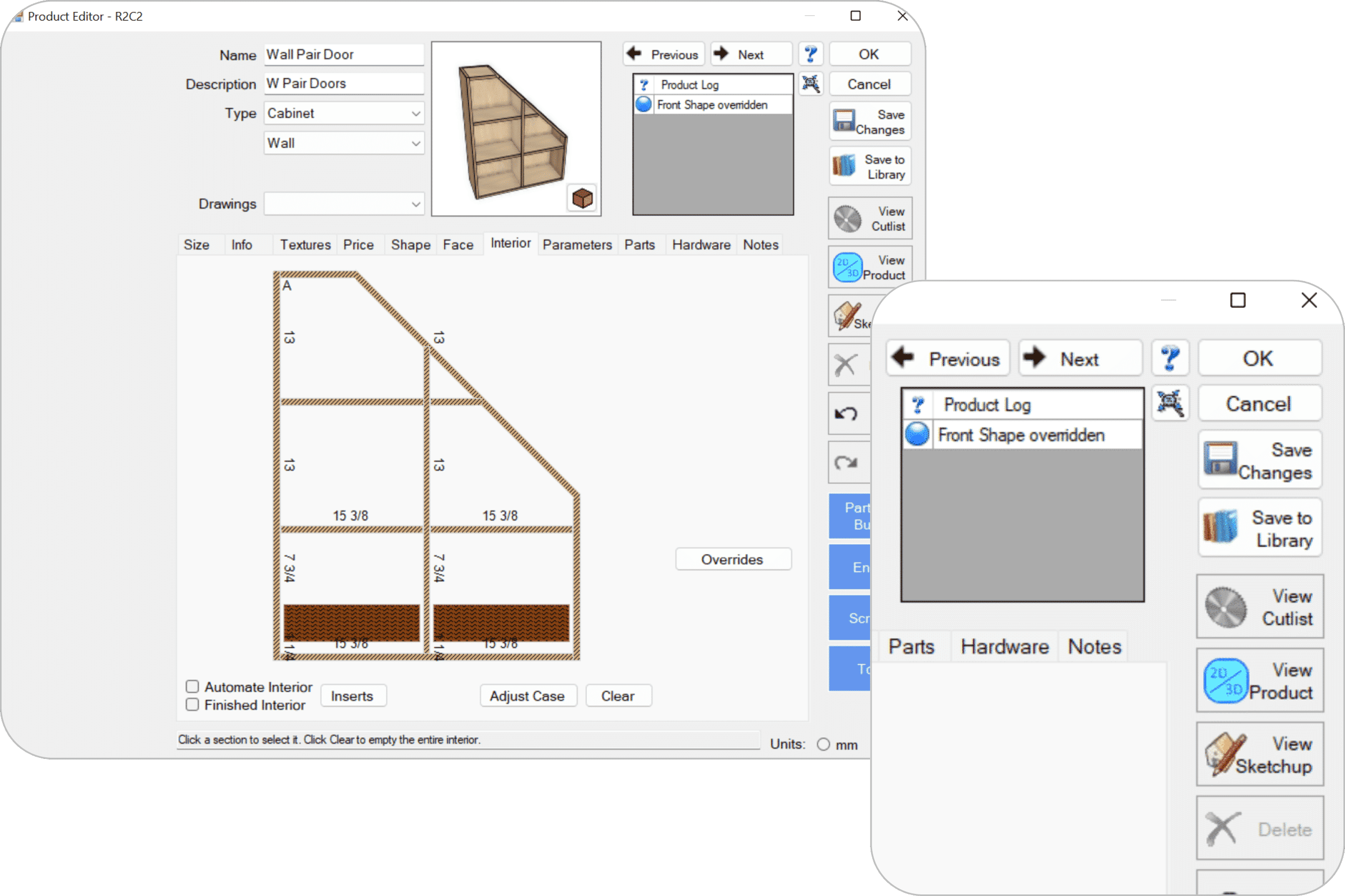
Intuitive Product Editor
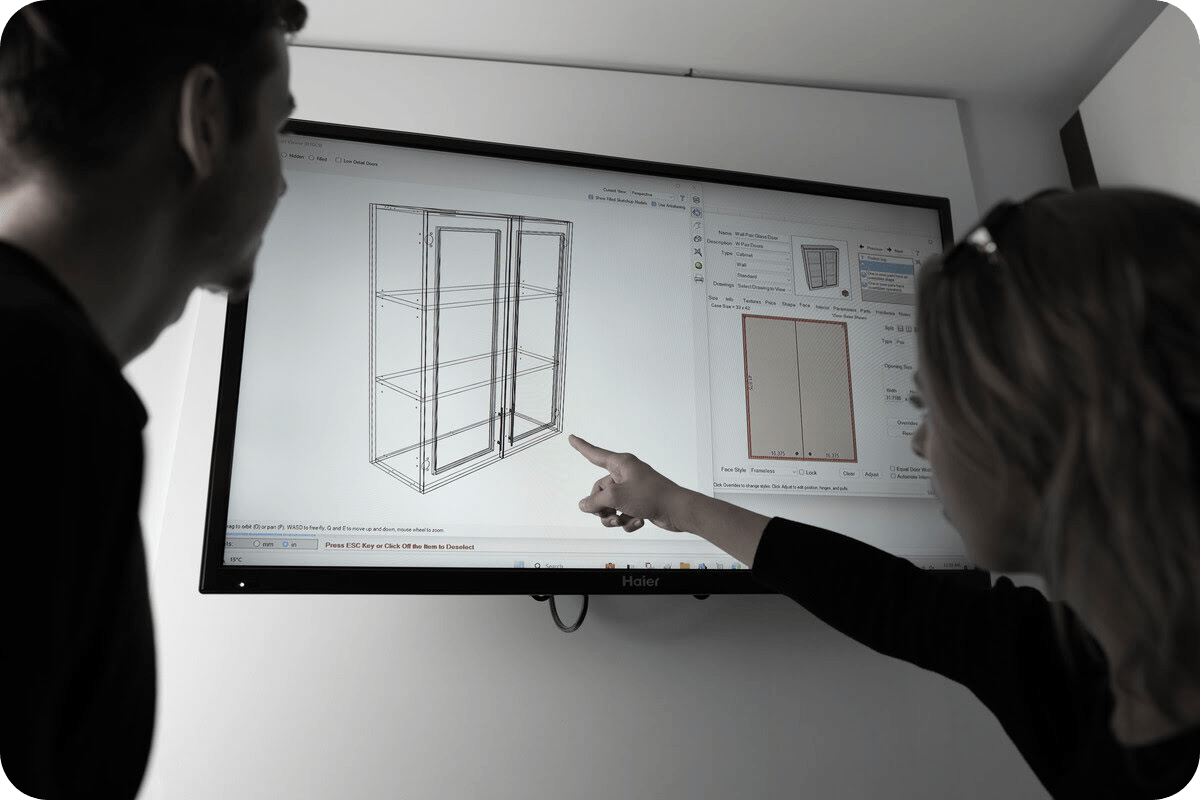
The built-in Product Editor allows you to customize your products with ease. Section the face with any combination of doors, drawers, openings, and panels. Section the furniture manufacturing’s interior with any combination of trays, shelves, and partitions.
Add insert graphics or hardware accessories such as trash pullouts or Lazy Susans and have operations and pricing automatically added.
For your one-off custom items, use the Part Editor to shape the parts and add any operations needed to suit your custom design. Save any custom furniture manufacturing you create to your Product Library to reduce time whenever a similar item is required.
Streamline your workflow and boost productivity
Unlock Even More with additional features
Use the built-in 3D Viewer to instantly view any design in 3D. As you design your room, the 3D Viewer will instantly update. Choose from wireframe, hidden line and filled with color view options. Choose which layers are visible in your design to hide components such as countertops, walls and more.
Once you achieve the perfect view, save it to the Views menu to instantly navigate back to that same angle.
Add any saved views to your drawings in Multi-Print and watch them instantly update in your drawing as changes are made.
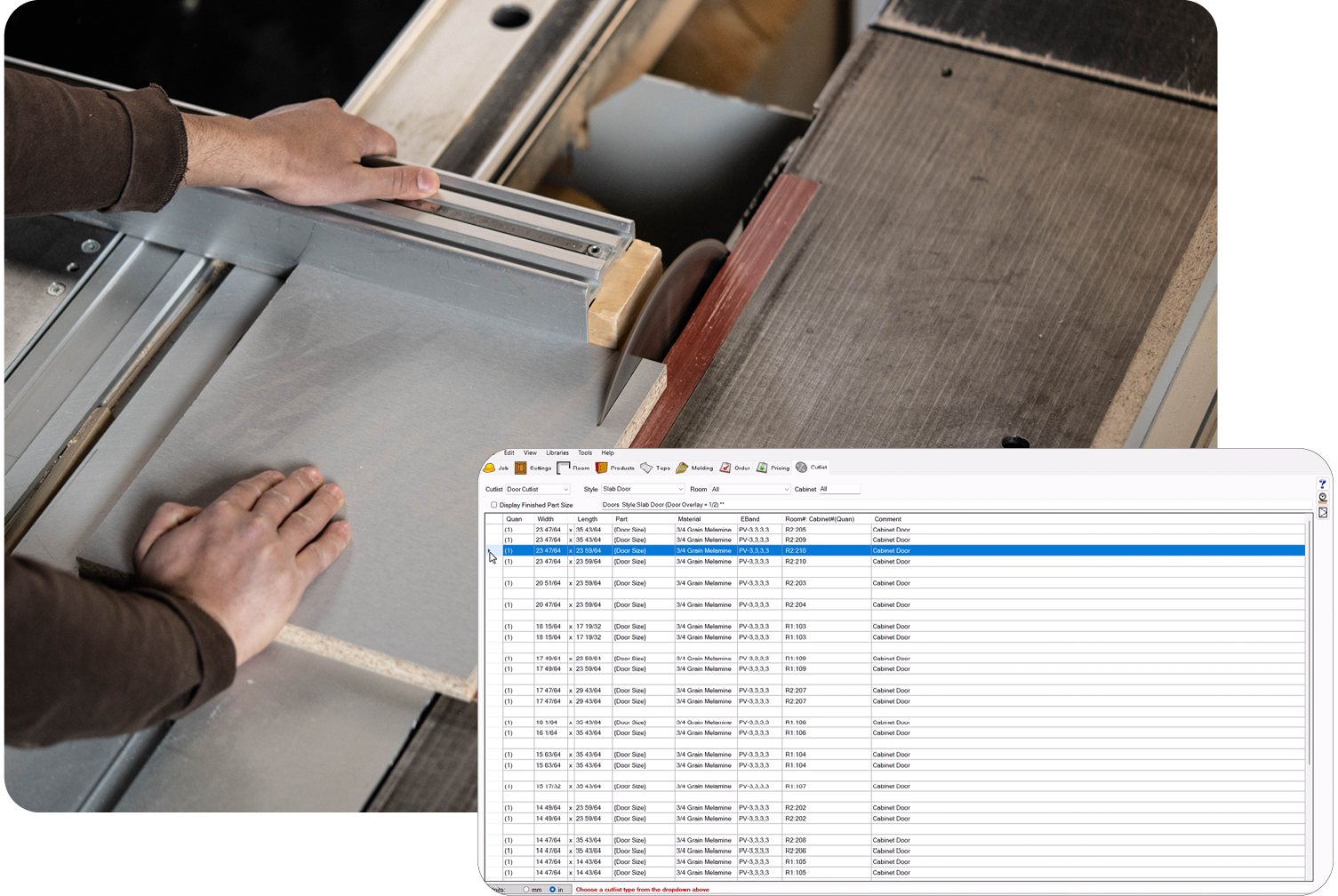
With Mozaik, generating accurate cut lists is easy. Once you select the correct materials, hardware and construction methods, you can enjoy a variety of automated cut list reports. From cabinet part sizes, door stile and rail cut lists to face frame cut lists and drawer box part lists, it’s all there.
For items you may order in, such as doors or drawer boxes, you can quickly choose to print an order list showing the overall size, material and style of the item.
If you need specific cut lists, Mozaik has a custom Cutlist editor where you can create your own cut list tables, and control what columns are shown, alongside the sorting and filtering options, as well as a variety of formatting options.
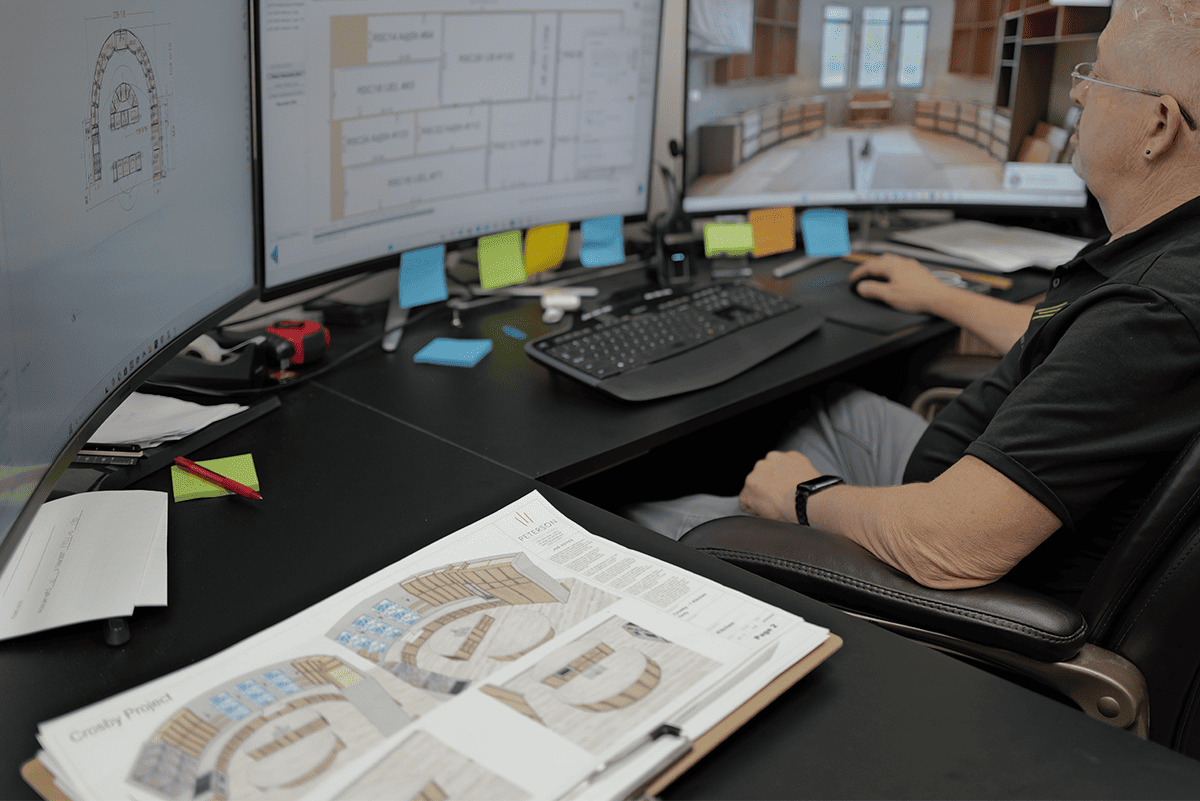
Use the built-in Multi-Print interface to create drawings in any combination for shop use or to present to your customers, architects or contractors.
Add and arrange Floor Plans, Elevations, Wall Sections, Countertop Drawings, Live 3d Views, variables, symbols and more. Add cabinet details such as assembly drawings or sections. Add your own dimensions, lines, shapes, text or images. With Multi-Print you can create as many pages as your project requires.
Customize your title block and even add your company’s logo. As changes are made to your job, all your drawings will automatically update, taking the stress out of changes.
Mozaik automatically generates detailed cabinet assembly sheets for your projects. View cabinet specific drawings, cutlists and note.
Create your own Assembly Sheet templates to suit your needs and wants. Add your Logo, or any other variables needed.
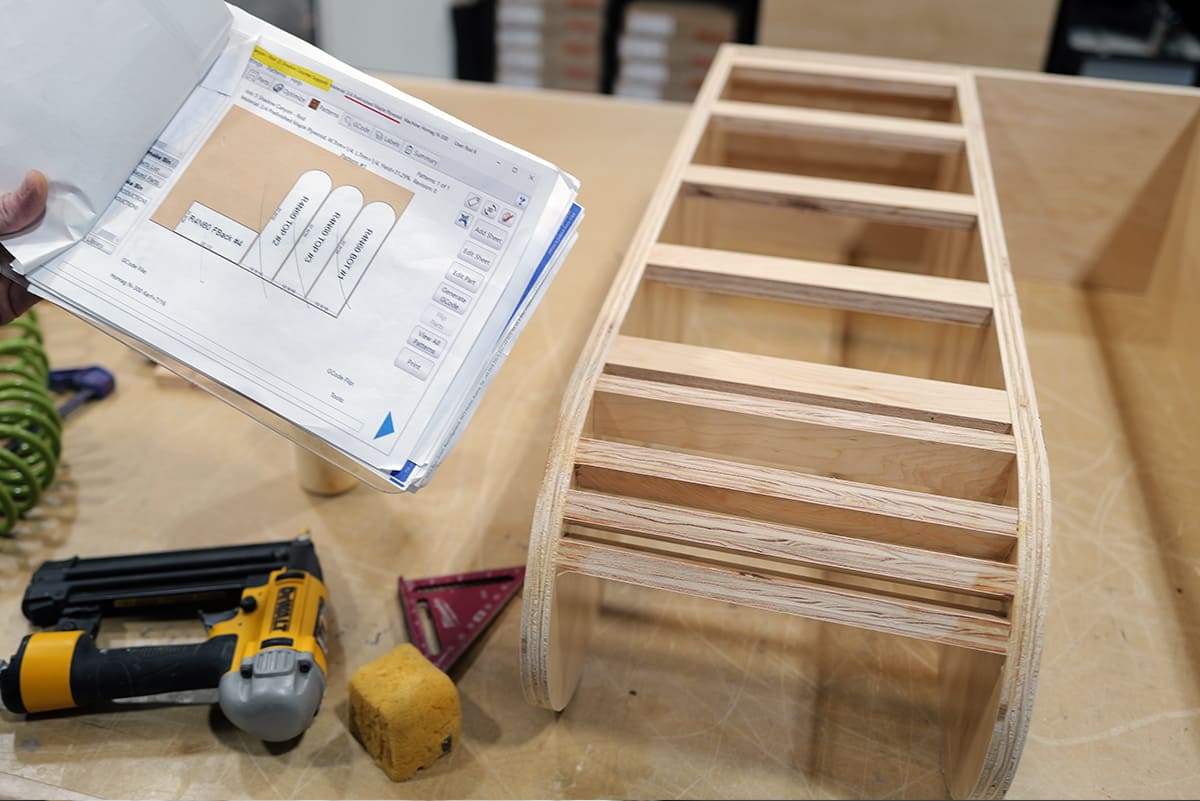
Tailor every product to your exact specifications
From design to production—work with full control and precision
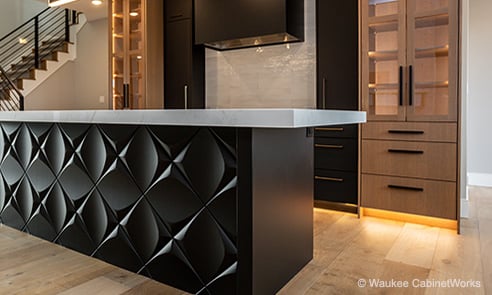
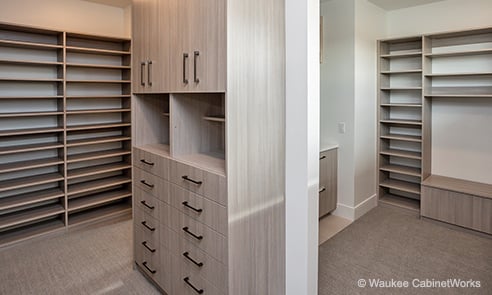
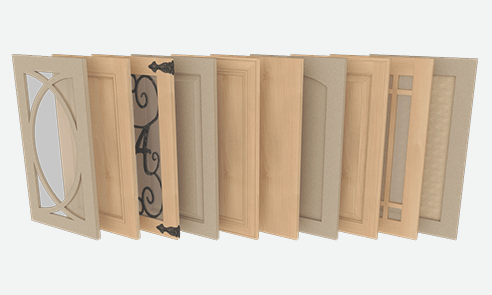
Start your 3-month paid trial today
Design your furniture as unique as you are
Mozaik Manufacturing™
$125 /month, billed annually
Start your 3-month paid trial today—no setup fees.
What you will receive:
- Contains all the core cabinet editing and design functionality needed by custom cabinet makers.
- Gives you the tools you need to design and detail all your jobs, from custom cabinetry to intricate casework.
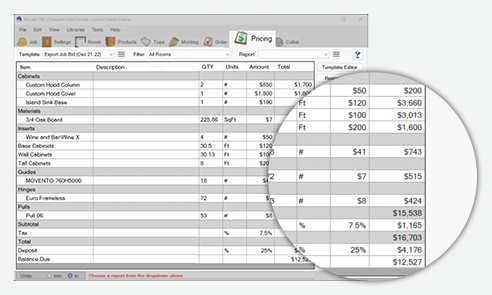
- Generate shop drawings, 3D designs, assembly sheets, complete and accurate cut lists, pricing estimates, part and cabinet labels, and other essential manufacturing data.

Preguntas frecuentes (FAQ)
Sí, puedes definir y alternar entre diferentes tipos de uniones—como espigas, dados, tarugos, tornillos y otros—para adaptar el software a las técnicas de construcción preferidas de tu taller.
El software produce automáticamente listas de corte, listas de piezas, y planos detallados de taller. Esto garantiza que los fabricantes tengan instrucciones precisas y listas para usar en el ensamblaje manual.
The Cyncly Account is your new hub for managing your Mozaik subscriptions.
Main functions:
- Add seats to your subscription
- Upgrade your subscription See and manage your subscriptions
- Access downloads and updates
- Manage your Cyncly profile
All the contact information for support is available here.
You can access updates from your Cyncly Account.
Mozaik Manufacturing™ is best suited for small to mid-sized cabinet, closet, and custom furniture shops that do not use CNC routers. It’s designed for businesses that rely on manual production processes and want to improve efficiency in design, pricing, and shop management.
Mozaik software provides a unified platform for designing, pricing, and generating shop drawings and cutlists, allowing manual shops to eliminate redundant data entry and reduce errors throughout the production process.
The software comes with extensive, customizable libraries for cabinets, closets, appliances, and hardware, making it easy to start new projects or standardize offerings.
- Cloud Rendering: Enables photorealistic rendering without needing powerful local hardware.
- Paperless Shop: Provides digital shop floor management, reducing paperwork.
- Part Labelling : Prints labels for parts and assemblies, improving organization.
Puedes gestionar bibliotecas de herrajes, optimizar el uso de materiales y reducir desperdicios.
Multiprint permite presentar planos de planta, elevaciones, secciones y vistas 3D en múltiples páginas, útiles tanto para presentaciones a clientes como para referencia interna del taller.
A Mozaik subscription gives you access to the full version of your Mozaik software for the term of your subscription, plus any add-on you may have purchased. It includes access to updates and new versions.
Yes, all access to the Mozaik webstore is granted using Transport Layer Security (TLS) technology, which encrypts personal information provided during the ordering process. Therefore, your personal information is transferred through a secured channel and confidential data is protected. To ensure a high level of security, our systems use a certificate that falls in line with e-commerce industry practice. The certificate is issued by a trusted security provider. All standard web browsers support this technology and accept the certificates from trusted providers automatically. However, no company, including Cleverbridge (our trusted E-Commerce reseller), can fully eliminate security risks associated with personal information.
Mozaik Software is designed for Windows-based PCs and does not natively support macOS. However, Mac users can run Mozaik using Windows emulation or virtualization software. Mozaik Paperless Shop Apps™ can be used on Windows tablets for shop floor management, but there is no dedicated mobile app for iOS or Android devices.
Users can create custom cabinets, closets, and room layouts using intuitive drag-and-drop tools. The design software supports both face-frame and frameless cabinetry, making it versatile for various woodworking styles.
You can instantly preview projects in 3D, which is useful for client presentations and verifying design accuracy before production begins.
It does not generate G-code or machine instructions for CNC routers and is specifically designed for shops using manual equipment like table saws and panel saws.